Your race, drawn on screen
Overlays
The information the sim will not show you, drawn right over it. Live pit control, a leaderboard built your way, brow lights and marshall flags, all driven by TrackThirtyTwo telemetry, for drivers who want more data and streams that look broadcast made.
Race information, right where you look
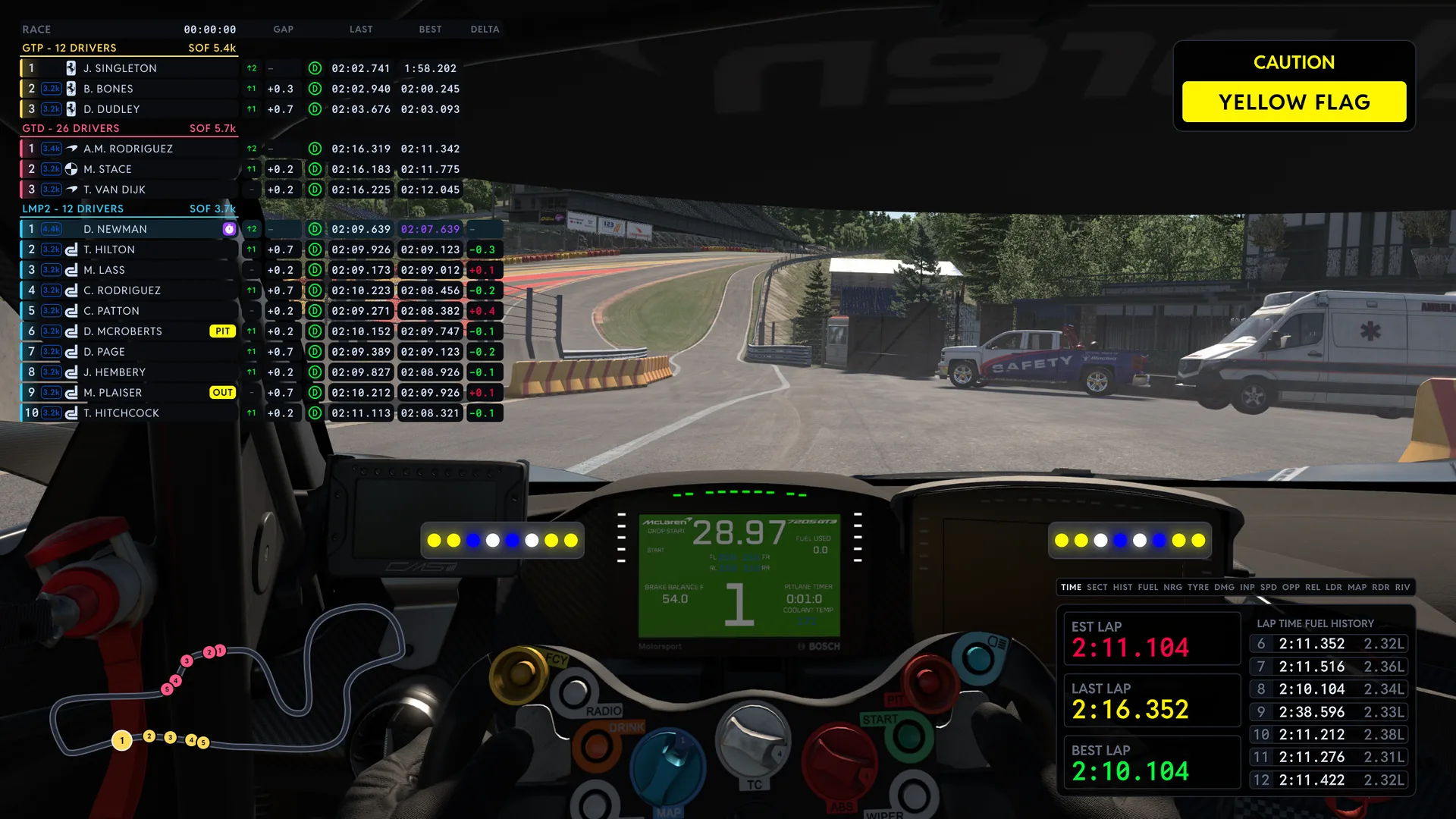
Overlays draw the information you need over the sim itself, powered by the same live telemetry that drives your TrackThirtyTwo LEDs, Dashboards and Control Decks. Built for drivers who want more data, and for streamers who want their viewers inside the race.
Driven by live telemetry
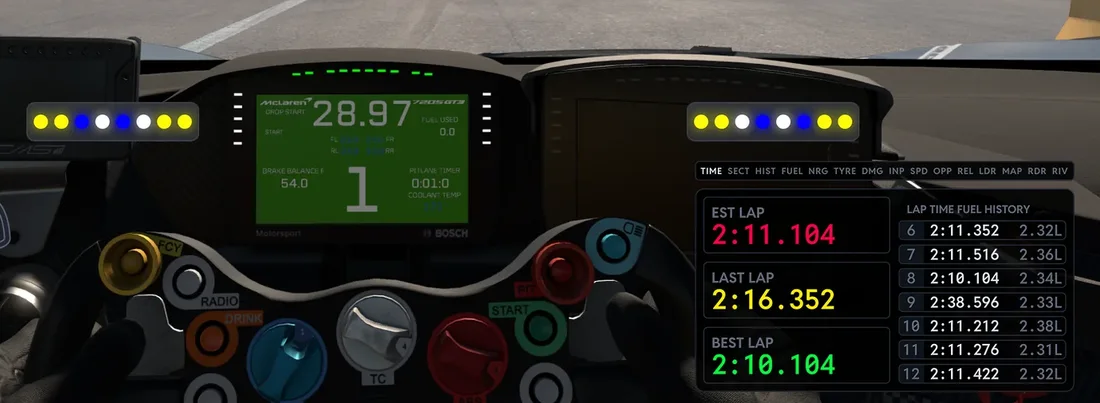
Every overlay runs off the TrackThirtyTwo SimHub plugin, the same engine behind your LEDs, Dashboards and Control Decks, so what you see is what the car is doing.
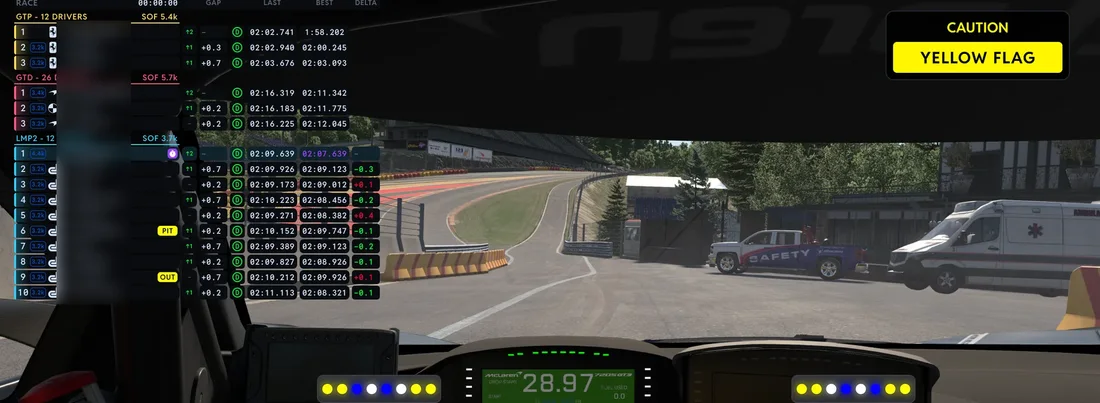
Your screen, your layout
Place and size each overlay to suit your setup. Run one of them or all five together, they are built to share a screen without crowding your view.
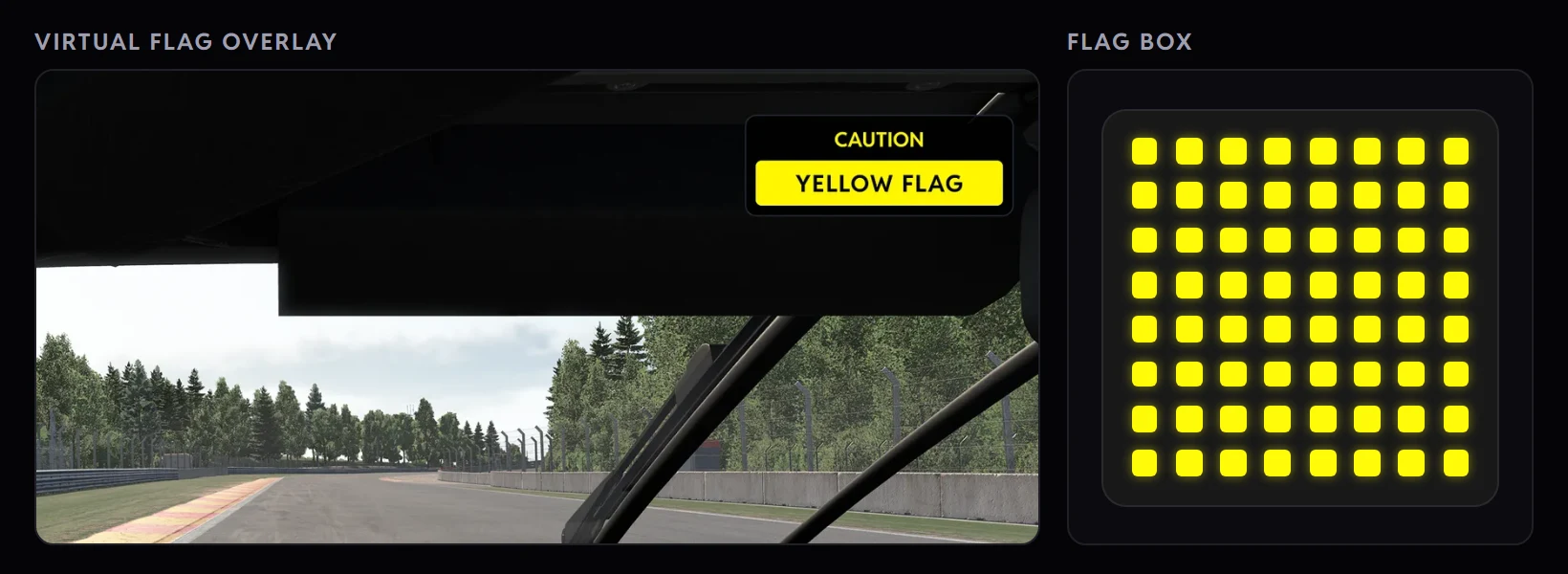
In phase with your rig
A yellow flag on your LEDs is a yellow flag on your overlays, at the same moment and in the same colour. The whole rig reads as one.
For drivers and streamers
More data for you in the cockpit, and a clear picture for your viewers. Overlays put your audience inside the race instead of guessing at it.
Five overlays, one family
Each overlay stands on its own, and they are all built to sit together on one screen without getting in the way of your driving.
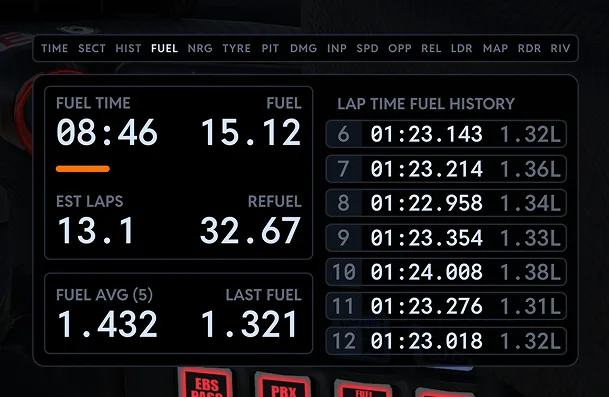
The Black Box and Co-Pilot, combined
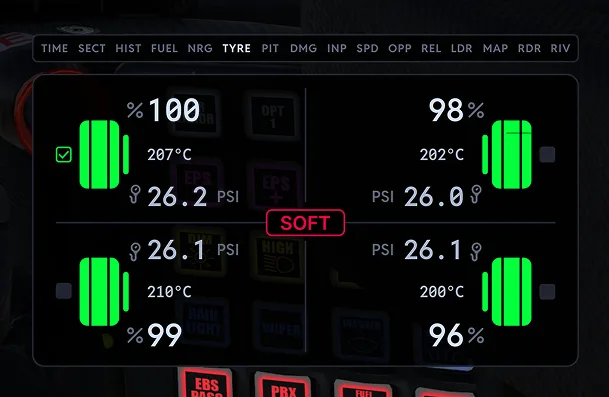
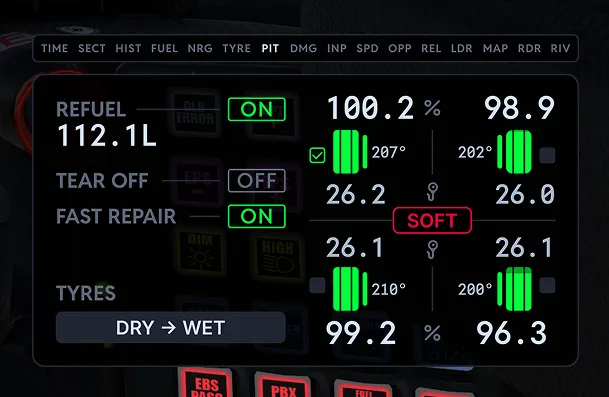
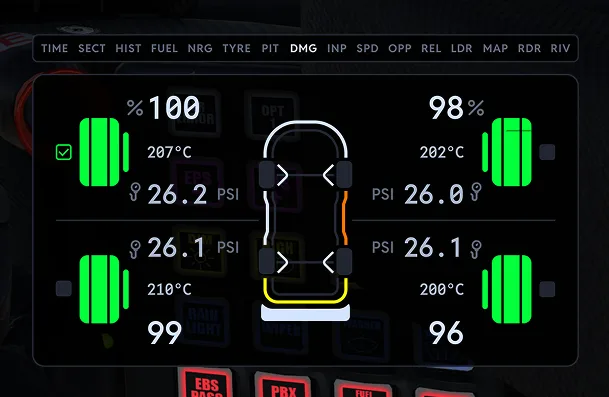
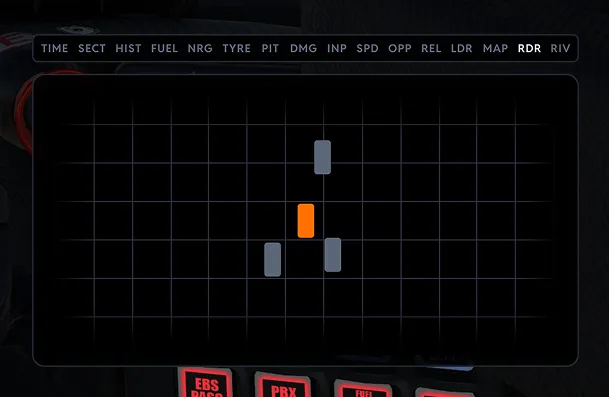
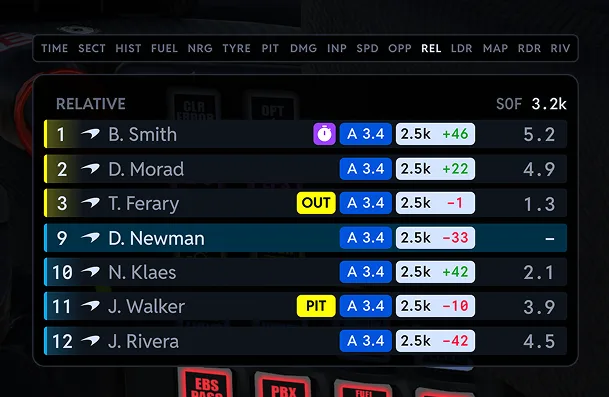
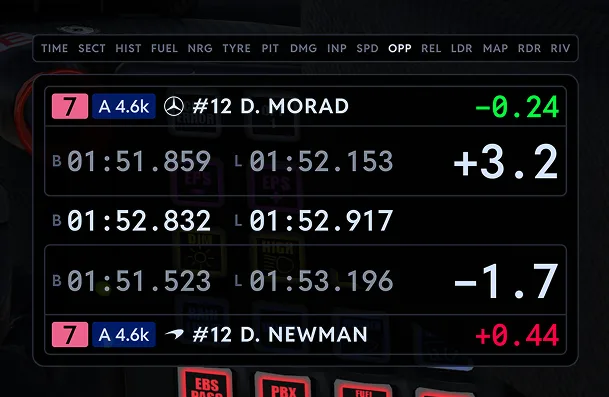
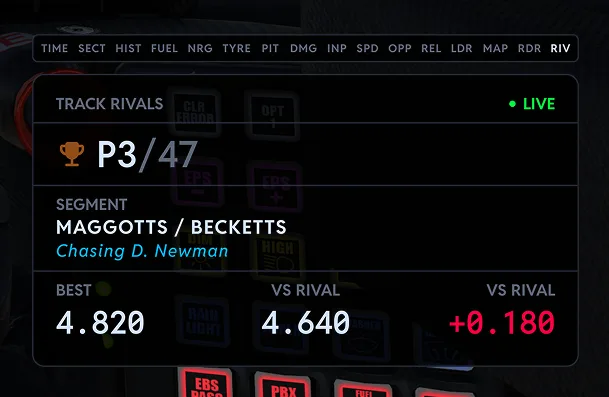
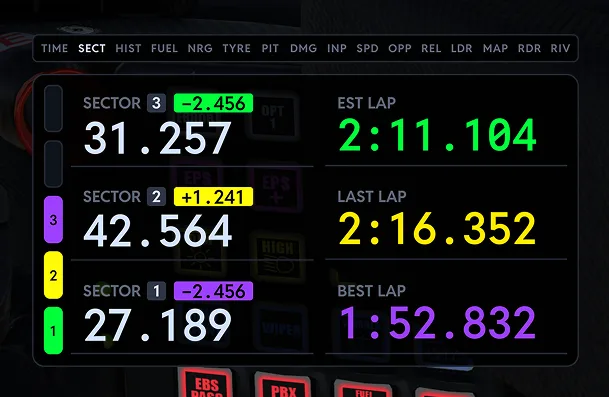
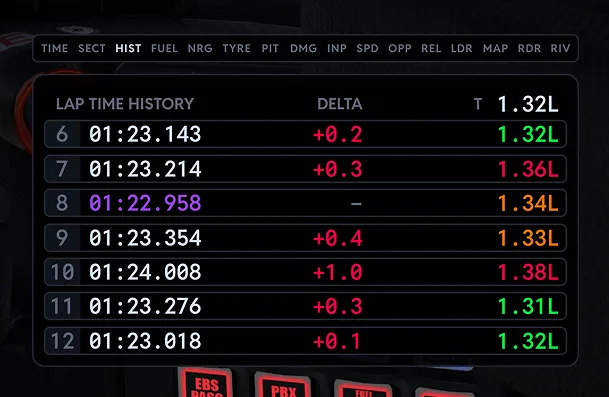
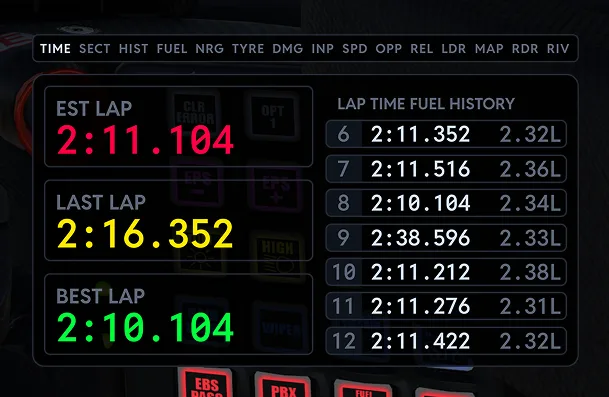
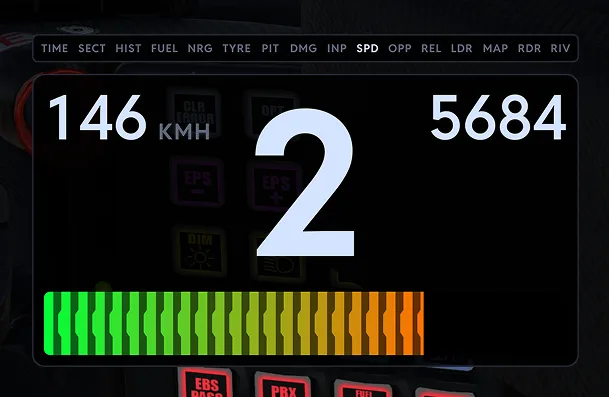
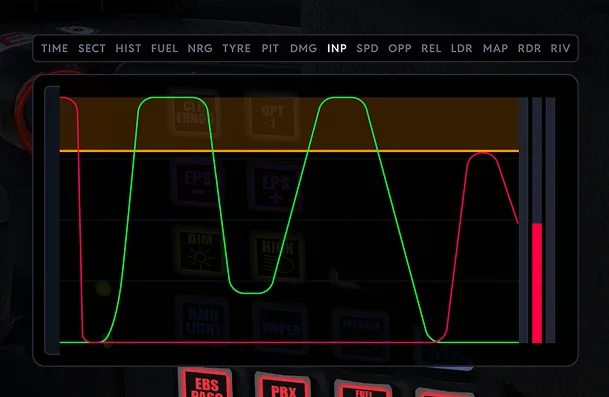
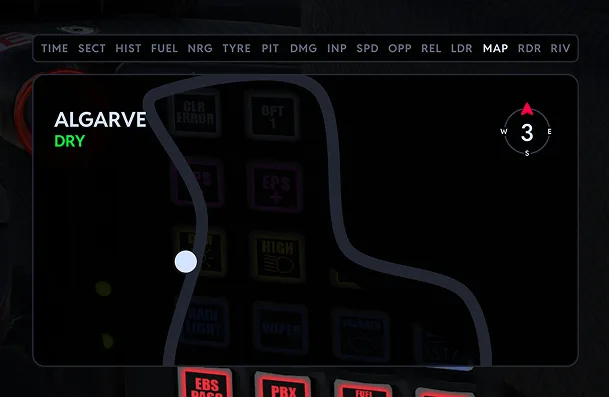
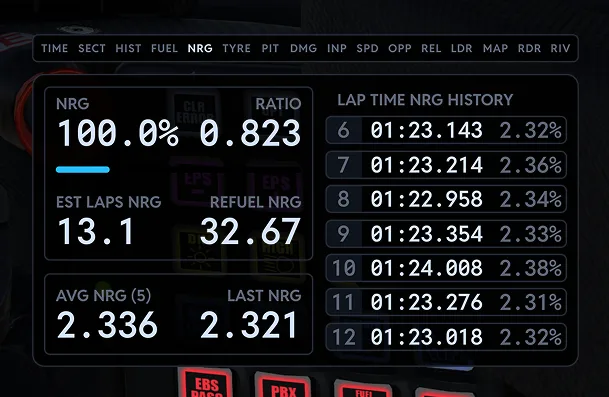
Think the iRacing black box and the Co-Pilot control panel rolled into one. The Virtual Box is sixteen screens deep: fuel, tyres, pit service, damage, radar, relative, lap history and more, each one readable at a glance and quick to work without leaving the racing line.
- Sixteen screens in one panel
- Pit service, fuel and tyres under your thumb
- Radar, relative, damage and lap history at a glance
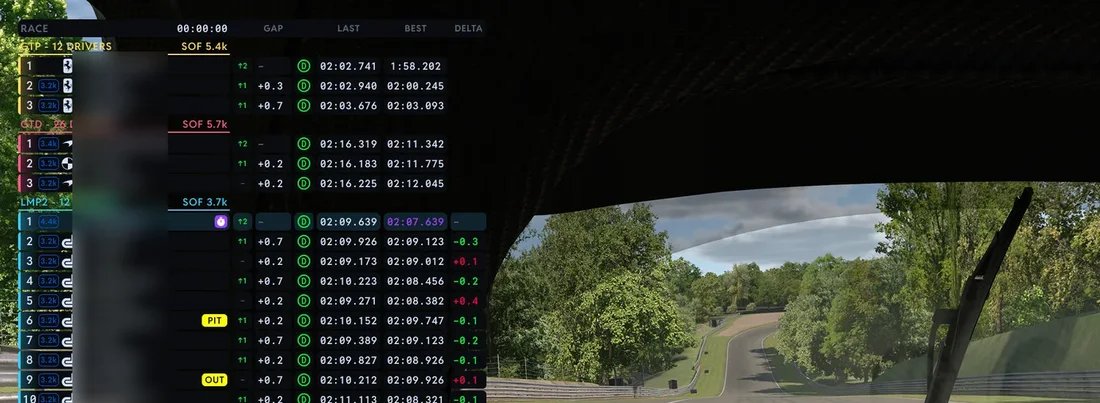
A leaderboard built your way
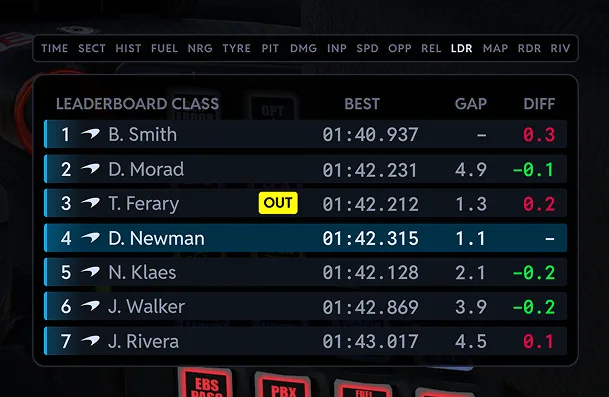
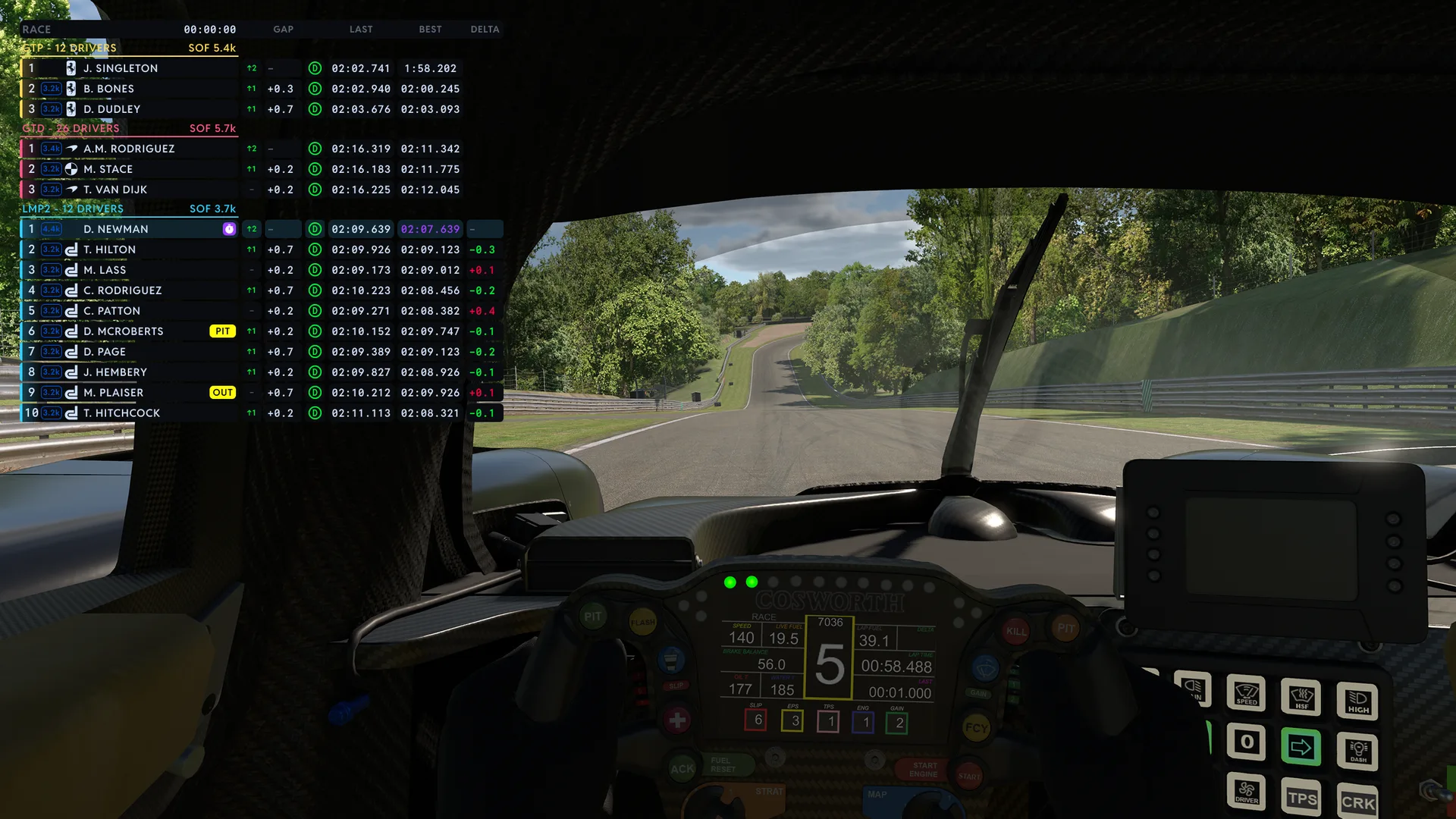
Every sim draws its timing tower its own way, and none of them ask you. Our Leaderboard is fully customisable and does multiclass properly: each class grouped with its strength of field, iRatings, pit status, best laps and gaps, laid out how you want them, on screen and on stream.
- Multiclass grouping with strength of field
- iRatings, pit status, best laps and gaps
- Your columns, your size, your style
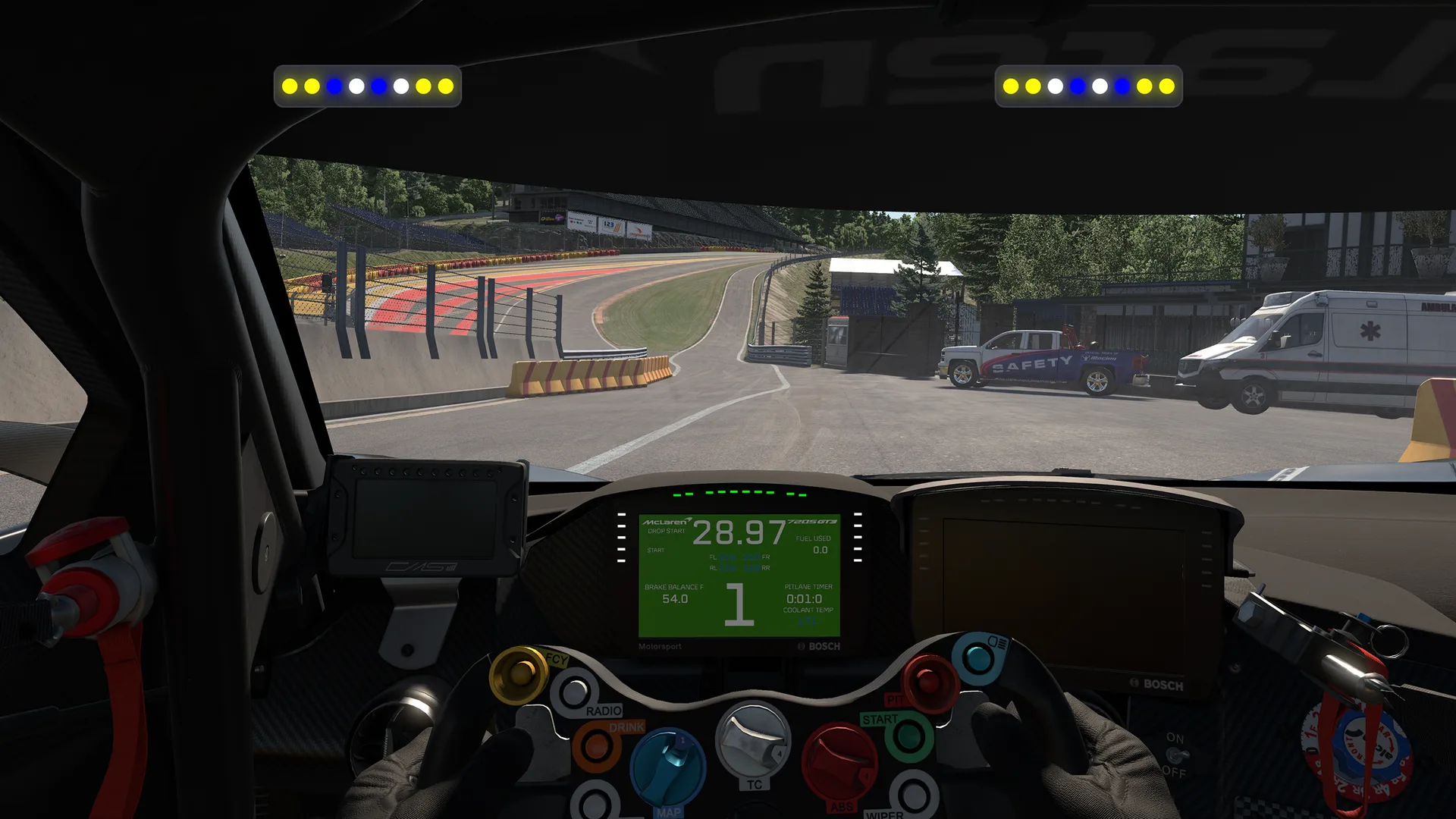
The TrackThirtyTwo Brows, virtually
Brows are the slim light strips that sit above your monitor and talk to you in colour. Virtual Brows draw them on the screen itself, so flags, pit limiter, spotter and redline cues live right at the edge of your vision, no hardware required.
- Flags, limiter, spotter and redline cues
- Slim strips at the edge of your vision
- The Brows experience, no hardware needed
Marshall flags, of course
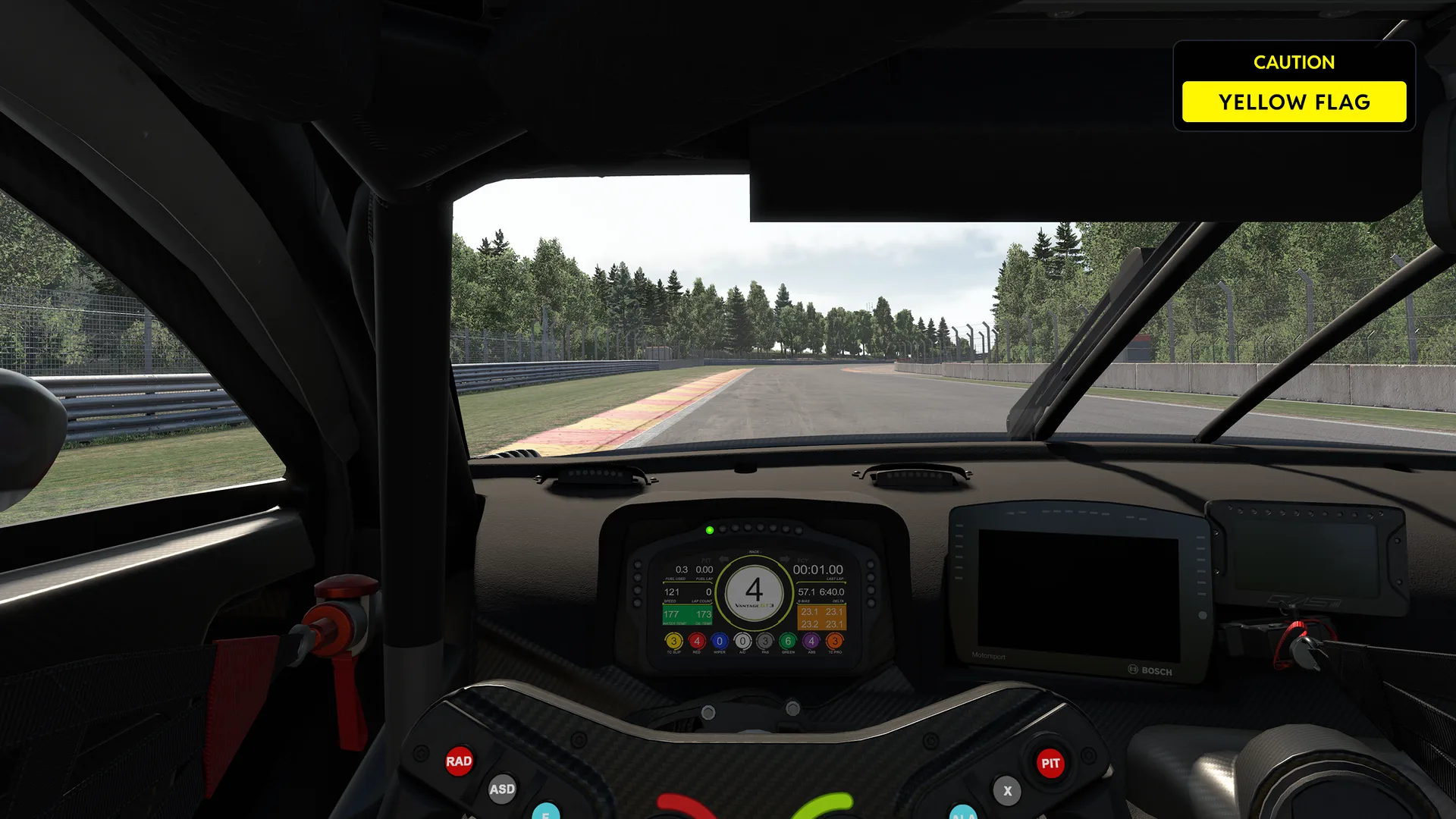
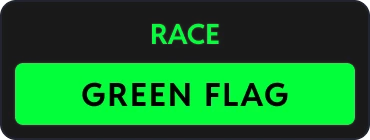
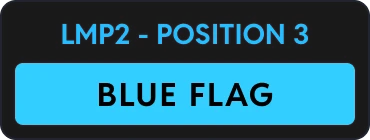
A virtual flag panel that waves what race control is waving, the moment it is waving it. And a flag here carries context: a blue is not just a blue, it tells you the class and the position of the car coming through, so you know exactly who you are letting by.
- Every marshall flag, waved live
- Class and position context on the flag
- Impossible to miss when it matters
The circuit, three ways
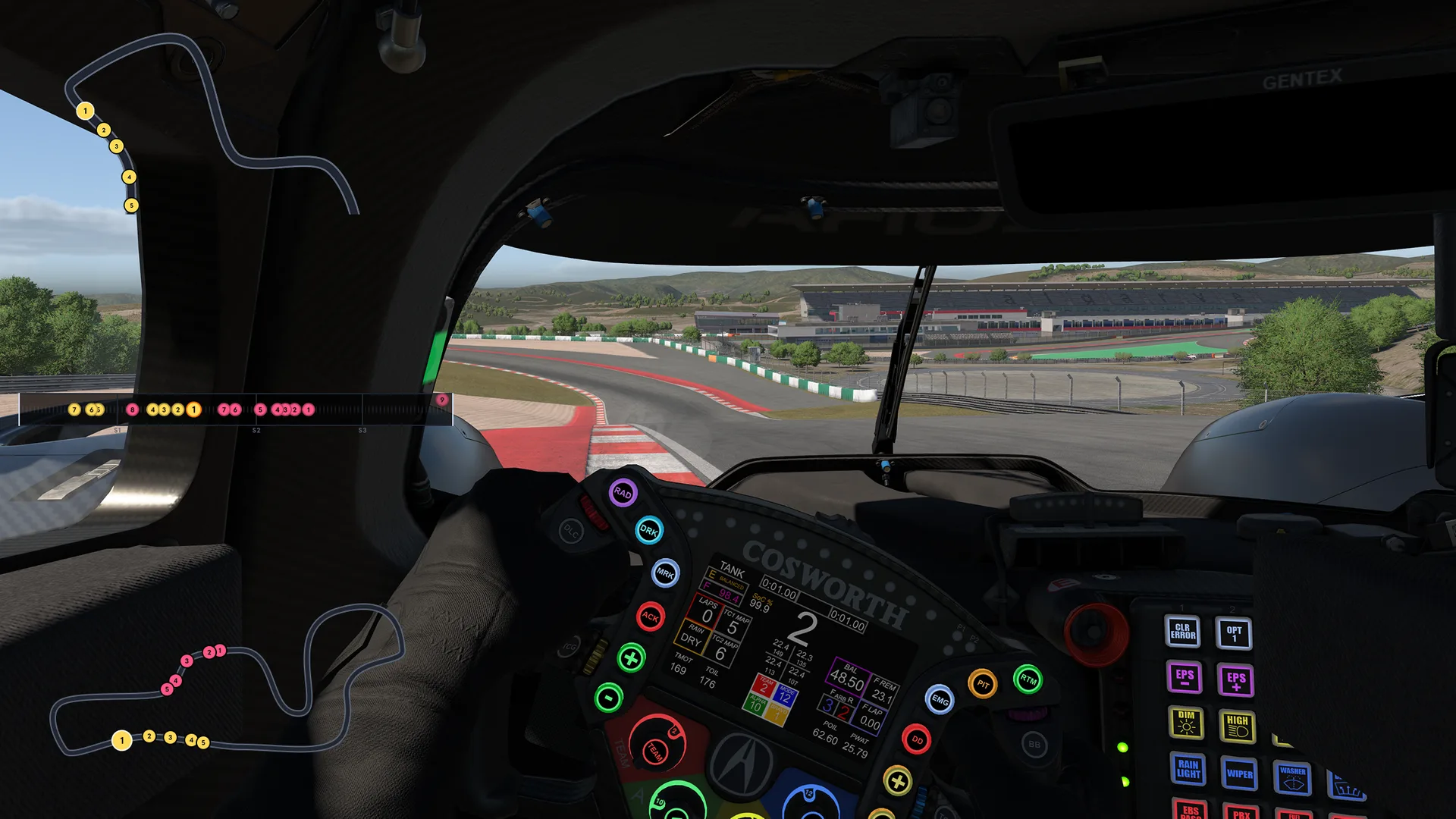
Track Maps draws the circuit on your screen, in whichever shape fits your setup: a full map when you want the whole picture, a mini map that tucks into a spare corner, or a linear map that stretches the lap out left to right. Like the rest of the family, it runs off live TrackThirtyTwo telemetry.
- A full map for the whole picture
- A mini map for tight layouts
- A linear map that reads the lap at a glance
The best looking stream on the grid
Overlays turn a stream into a broadcast. Your viewers see the fuel call, the pit window and the battle for position as it happens, drawn in clean panels that make any scene look professionally produced.
- A broadcast look, no designer needed
- Viewers follow the story, not just the car
- Clean panels that sit well in any scene
- The same overlays you race with
kerb_rider box this lap surely
gt3gran tyres holding on??
apexcat P2 gap is coming down
From membership to a dressed screen
Overlays take a TrackThirtyTwo membership and the SimHub plugin. The rest is arranging your screen.
Join TrackThirtyTwo
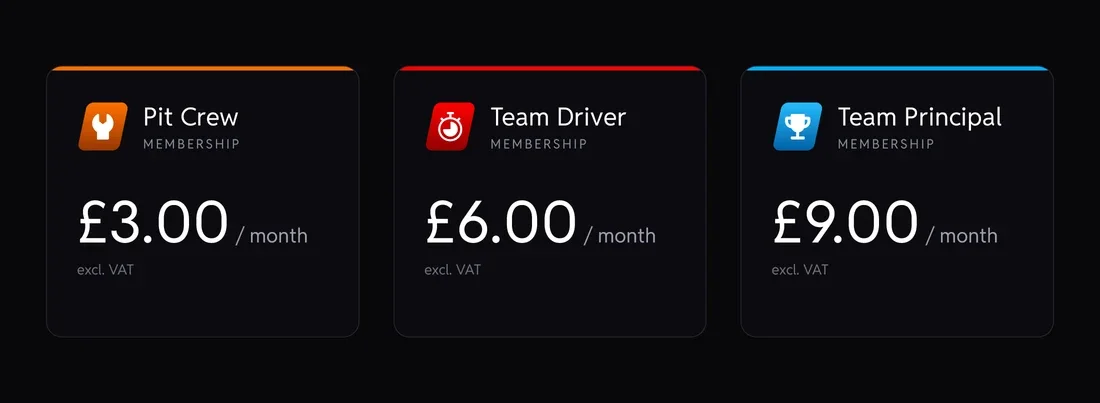
Overlays come with a TrackThirtyTwo membership, alongside everything else your tier unlocks.
Install the plugin
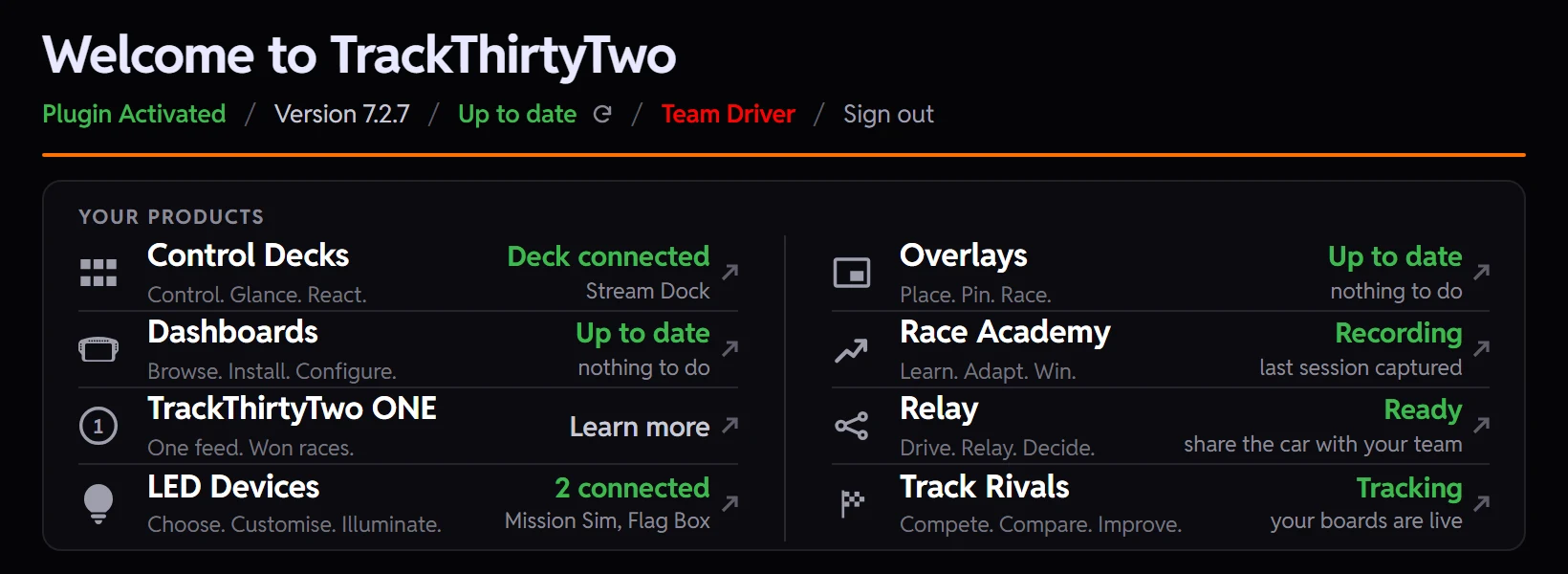
Add the TrackThirtyTwo SimHub plugin. It is the engine that feeds your overlays live telemetry.
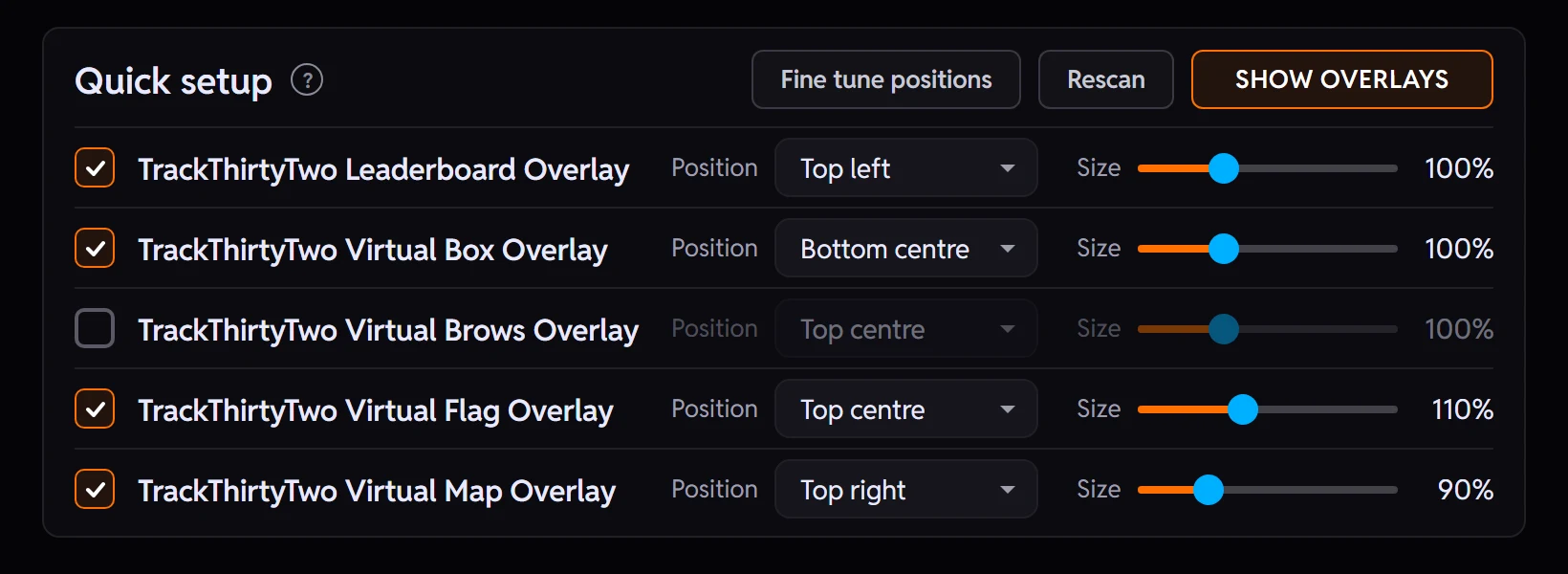
Switch on your overlays
Pick the overlays you want from the plugin, one of them or all five.
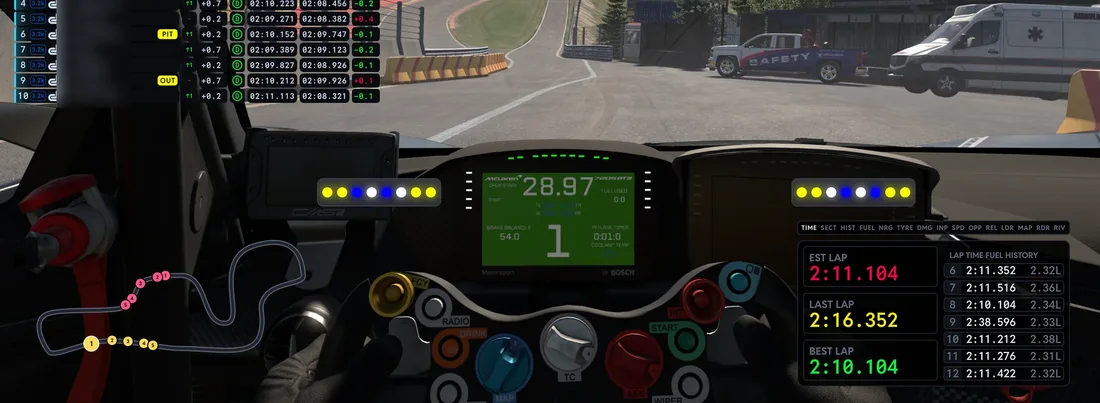
Arrange your screen
Place and size each one to suit your setup, then go racing.
Part of the TrackThirtyTwo ecosystem
Overlays run from the same plugin and the same telemetry as your LEDs, Dashboards, Control Decks, Track Rivals and Race Academy. Add them to your screen and everything reacts together.

Corner by corner sim racing leaderboards. Every segment of every lap becomes a board you can win, scoped fairly by car class and by dry or wet conditions, with your community standings viewable live online.
Compete. Compare. Improve.
Explore features
Data-rich LED profiles bringing real-time telemetry visualisation to your SimHub setup. Utilising sophisticated datasets, TrackThirtyTwo's SimHub compatible LED profiles offer an unrivalled experience with many never-before-seen features.
Choose. Customise. Illuminate.
Explore features
Redefining Displays with visual telemetry based tools designed for SimHub. Dashboards that can be utilised on VoCore displays, DDUs, Steering Wheels, Smartphones, Tablets, PC screens, or external monitors.
Browse. Install. Configure.
Explore features

Turn your Elgato Stream Deck, Ulanzi Deck or Mirabox Stream Dock into your pit lane strategist. Real telemetry drawn on the keys, pit stops and race control at a press, and effects in phase with your TrackThirtyTwo LEDs.
Control. Glance. React.
Explore features
Your personal lap coach. Every clean lap is recorded, mapped and broken down corner by corner, so you can see exactly where your time goes, study your fastest lap and steadily lower your lap times.
Learn. Adapt. Win.
Explore features