
LED profiles
Button Boxes
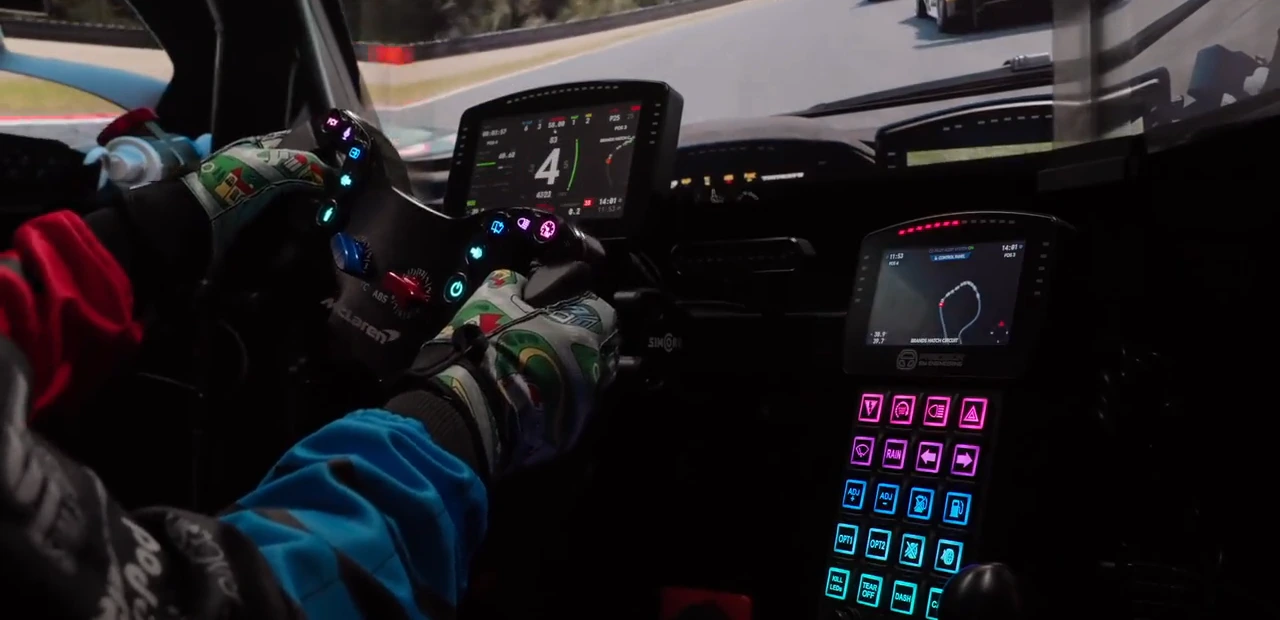
Every key on your button box lit with meaning: its own job, a theme across the rest, and the flags, spotters, pit limiter and redline flash over the whole box.
Every key lit with meaning
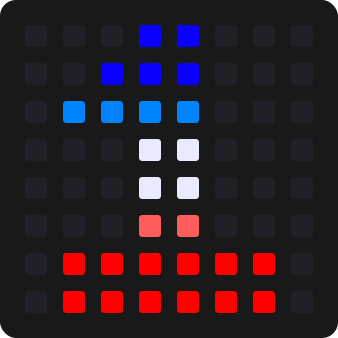
A button box is where the car gets adjusted, so every key should tell you something. The Button Box Profile gives each key its own job, the ignition, the limiter, DRS, the TC and brake bias you change, lays a theme across the rest, and plays the race over the whole box: the flags, the car alongside, the pit limiter, the redline. One download builds itself for your exact box.
- Key effects
- 52Key effectsFrom the headlights to iRacing's pit service
- Themes
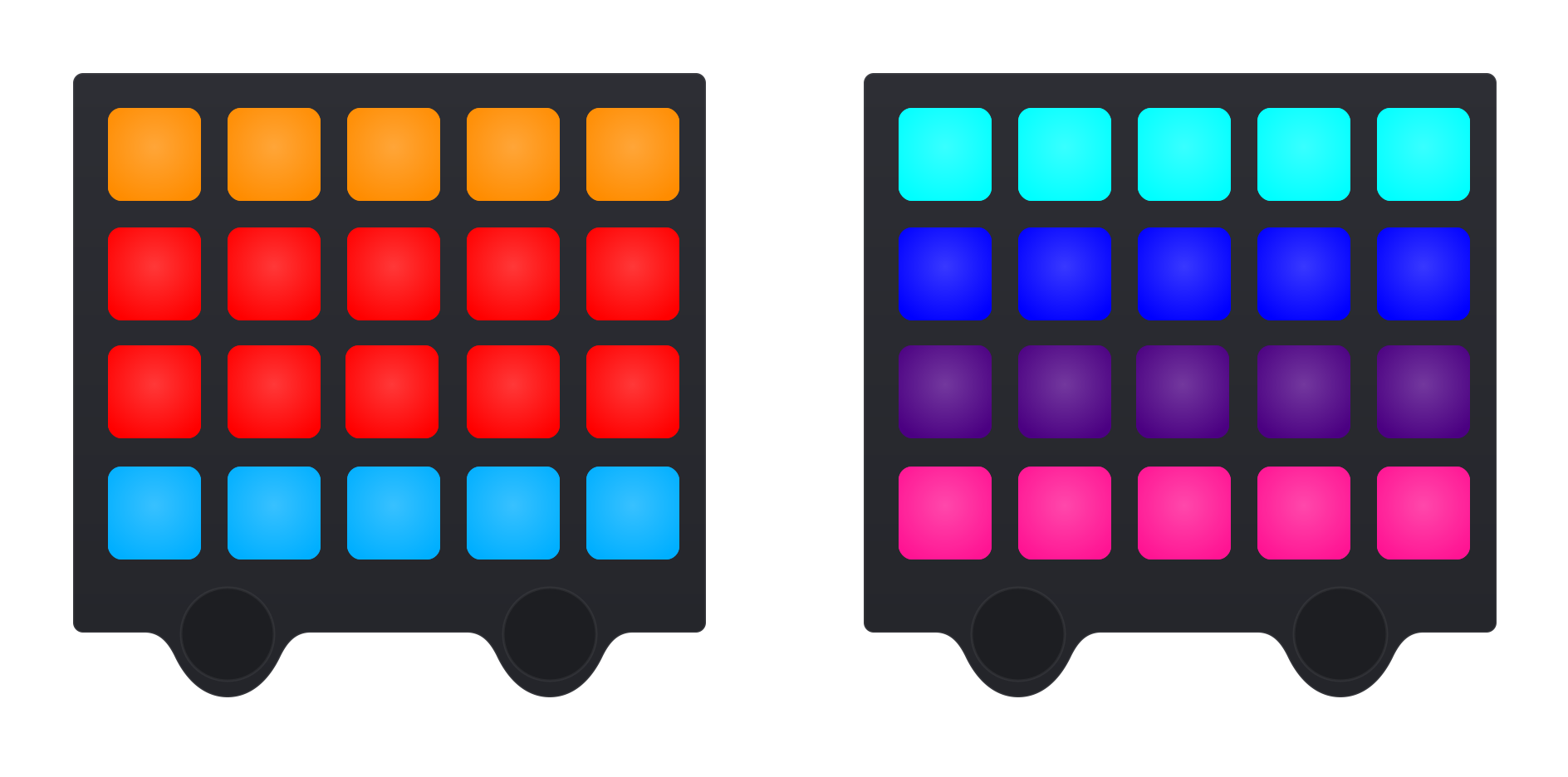
- 34ThemesAnd Custom, a colour of your own for every key
- Idle animations
- 18Idle animationsBreathe to Music, at three speeds
- Boxes on one rig
- 4Boxes on one rigEach with its own settings, twins included
 and above
Button Boxes, with Pit Crew.
Pit Crew lights Button Boxes, RPMs and Wheel Buttons. Team Driver and Team Principal light every device on the rig.
Why Button Boxes wins
Two of the same box, each its own
SimHub answers a key press with the first controller it finds with the box's USB id, so two identical boxes both read the first. Press Light this box, then one of its keys, and TrackThirtyTwo learns which controller is which box. From then on each box lights only its own presses, under its own settings.
Pick your box. Light every key.
One box, lit by the Button Box Profile as the car laps. Each chapter is one thing the profile does: pick its options and the box shows them at once. The box and the theme you pick stay with you from chapter to chapter.
Drawn in the plugin, key for key
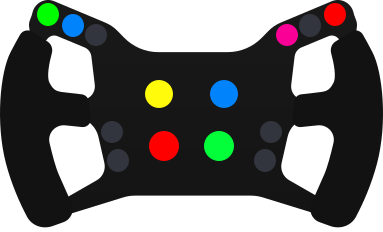
The plugin draws the Control Center, the BOR X1 and the FX Button Box, the DisplayDash, the three MCP modules, the Pro Switch Panel, the SD8-BB1 and the VI-CWBB, so you click the real button on screen rather than working out which LED it is.
Button boxes







- Not sure yours is here?See every supported device
On the rig
- Up to four boxes, each with its own settings
- Universal Theme, to match every TrackThirtyTwo device
- Dark Mode, in Red, Blue, Purple, Orange or your own
- DRS, KERS, ERS and push to pass where the car has them
Sims with their own presets
 Assetto Corsa and Assetto Corsa Competizione
 Assetto Corsa Evo
 Automobilista 2
 The F1 games
 iRacing, with its pit service on the keys
 Le Mans Ultimate
 Rally games and BeamNG.drive
 Any game, for everything else
Button Boxes, answered
What LED effects can I assign to button box buttons?
Button boxes carry the widest effect list of any TrackThirtyTwo device, because a button box is usually where the car adjustment controls live. Lights and visibility: Headlights, Flasher, Headlights and Flasher, Rain Light, Left Indicator, Right Indicator, Hazard Lights, Wipers. Car systems: Ignition, Engine Start, Ignition and Engine Start Combined, DRS, KERS, Push to Pass, Pit Limiter, Parking Brake, ERS Mode, Low Fuel Alarm, TDM Toggle. Adjustment pairs, one button each for up and down: TC, TC Cut, ABS, Engine Map, Brake Bias and Fuel Adjust. Manual: Momentary Press and Latching Toggle for controls the game reports nothing about, plus Kill LEDs for a button that blacks the box out. iRacing pit service: the full pit panel, including Refuel, No Refuel, New Tyres, No Tyres, the four individual corners, Tyre Compound Dry and Wet, Clear Pit Flags, Fast Repair, Windshield Tear Off, Pass Left, Pass Right and Auto Fuel.
Which button boxes does the TrackThirtyTwo plugin support?
The plugin ships drawn layouts for the Bavarian SimTec Control Center, the Box One Racing BOR X1 and FX Button Box, the Heusinkveld DisplayDash, the three Pokornyi MCP modules (Button Box, Encoder Box and Ignition Box), the SimDash SD8-BB1 and the Velocitas Imperium VI-CWBB, so you click the real button on screen rather than working out which LED index it is. Every one of them runs the same download, the Button Box Profile, which the plugin builds for whichever box it lands on. Select yours in TrackThirtyTwo > Button Boxes; with automatic device selection turned on in Settings, the plugin picks the right one when it is connected or when SimHub starts.
Which LED profile do I download for my button box?
There is one button box download, called TrackThirtyTwo - Button Box Profile, and it is the same file for every box we support. The file you download is a shell. When it lands on your box, the plugin fills it in for that exact box: the button map, the colours, the effects and the idle animation are built on your PC from the data for your account. That is why it needs the plugin signed in, an internet connection on that start, and a membership or partner code that includes your box. The easy route is inside the plugin: open LED Devices, press MANAGE on Button Boxes, and press Install this profile under your box.
Why does my button box show only three LEDs in the corner, like an RPM bar, instead of my profile?
That is the Button Box Profile before the plugin has built it for your box. As downloaded, the file is a plain rev bar; the plugin turns it into your box's lighting on your PC. Make sure the plugin's Home page shows you signed in, that you are online for that start, and that your membership covers the box, then close SimHub fully and open it again. The plugin asks for the data on start and builds the profile on its next pass, normally within the first minute.
How do I put an idle animation on my button box?
The controls are on TrackThirtyTwo > Button Boxes, on the Idle & Menu tab: a Style, a Speed and Unlit buttons. The animation only changes how bright each button is, never what colour it is, so the box always shows the Idle Theme you chose. Speed is Slow, Normal or Fast, and Normal is the default. Off is the default style, so a box you have never changed sits exactly as it always did. Unlit buttons decides what the buttons the animation is not on do: Dimmed keeps a faint glow of the theme colour, Off sends them fully dark until the animation reaches them.
Can I change LED settings without leaving the car?
Yes. Every LED page has a Hotkeys tab, and the bindings can be mapped to wheel or button box inputs through SimHub, so you can change things mid session. On a button box that is the idle animation, the preset, the menu theme, the game theme and the brightness. Brightness is worth binding on every rig: lighting that is right in a daytime room is usually too bright at night. Hotkeys are stored per device, so a wheel and a button box can have different bindings.
Ready for Button Boxes?
Button Boxes unlocks with Pit Crew and above, and runs from the free TrackThirtyTwo SimHub plugin.
Free trialNo cardNothing to cancelFree trialEvery membership. 7 days free.See how it worksSee how the free trial works
Free trial
Every membership.
7 days free.
Light every wheel, button box and brow. Customise every dashboard. Run the overlays and the coaching. All of it, on your own rig, before you pay a penny.
- No card
- Nothing to cancel
- Your setup stays yours
free
Everything in


Control Decks are not part of the trial.
Start your free trial- 1Create a free account
- 2Install the plugin
- 3Press START FREE TRIAL in SimHub